Click to download now, finish the installation quickly, and directly unlock the all-round experience
Screenshots
Click to download now, finish the installation quickly, and directly unlock the all-round experience
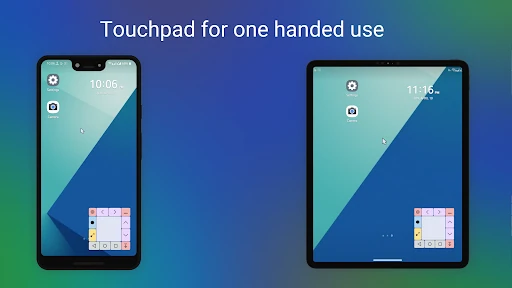
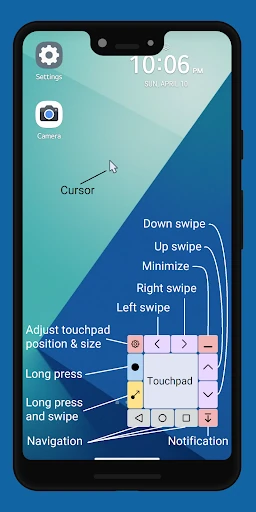
Touchpad for Big Phone & Tab adds a floating touchpad and pointer to Android devices with large displays. It suits people who use a phone or tablet one-handed and find it awkward to stretch a thumb to the top corners. Instead of shrinking the whole interface, it gives you a lower, easier-to-reach control area for moving around the screen.
The touchpad can help with taps, swipes, long presses and cursor movement. It also puts common controls within reach, including Home, Back, Recents, notifications and volume. That makes it useful for everyday navigation, as well as tasks that normally require shifting your grip or using both hands.
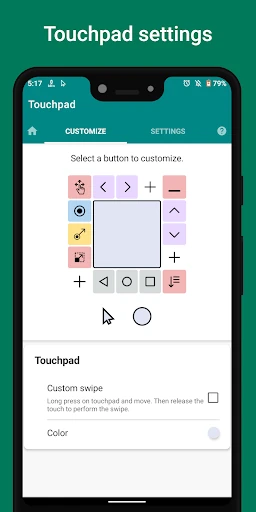
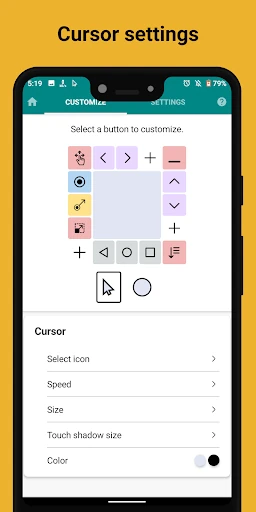
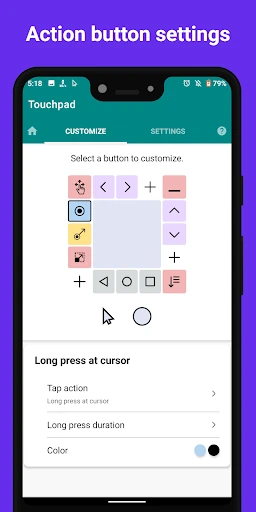
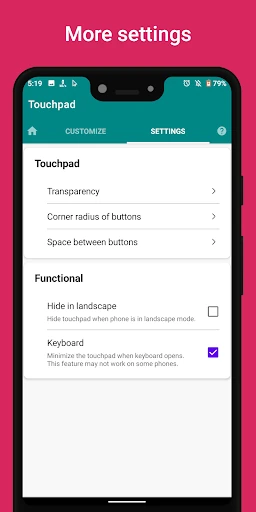
The floating controls can be resized and repositioned, with options for transparency, spacing and button layout. When you need more screen space, the interface can be collapsed into a smaller floating button. These settings make the app practical across different phone sizes, tablet layouts and personal preferences, though the added overlay may take some adjustment.
With a 3.94 rating from 5,193 reviews and more than 1,000,000 installs, the app has found a sizeable audience. It comes from mPointer and belongs in Productivity rather than accessibility tools alone: its value is in reducing the physical effort of reaching and controlling a wide display. If your device regularly feels too large for comfortable one-handed use, this is a focused solution rather than a collection of unrelated extras.